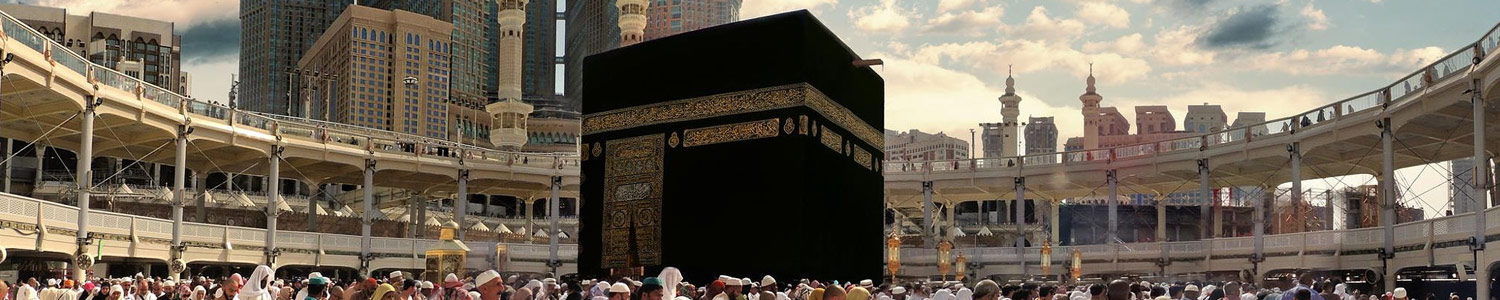
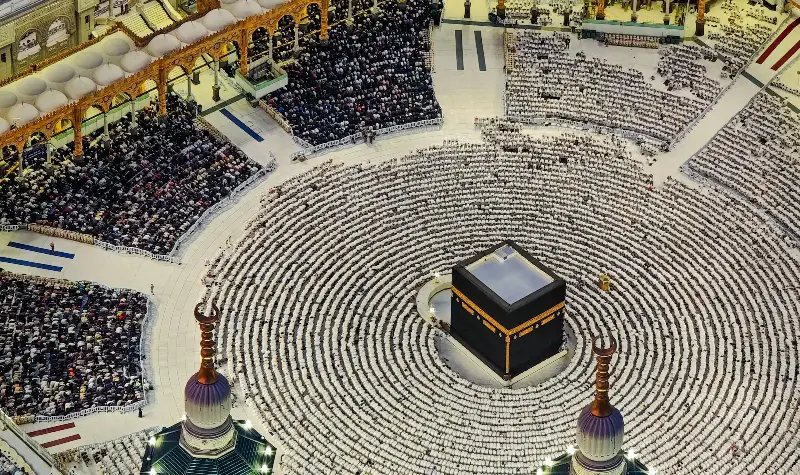
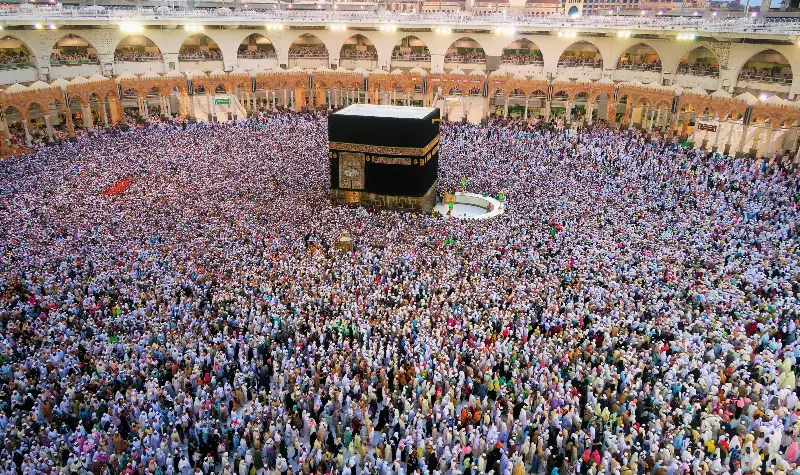
Nusuk App Guide 2026: How to Book Your Umrah Permit and Rawdah Visit
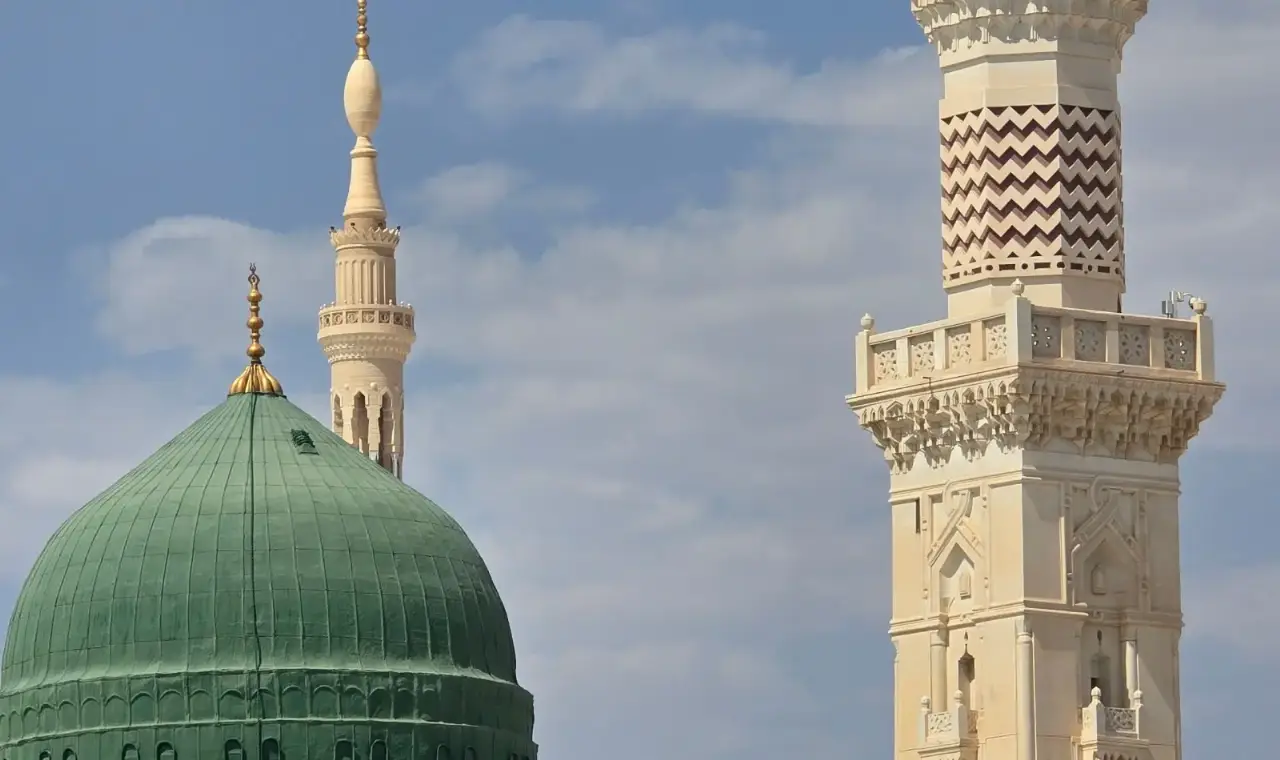
Nusuk is the official Saudi app for Umrah and visits to the Prophet’s Mosque. You need it to book your Umrah time slot and to pray in the Rawdah, so setting it up properly before you travel saves stress on arrival.
What is the Nusuk app?
Nusuk is run under the Saudi Ministry of Hajj and Umrah. It brings together permits for Umrah and the Rawdah, information about the two holy mosques and, for some travellers, visa and package services. Download it only from the official App Store or Google Play listing, published by the Ministry.
Step 1: Create your account
- Install Nusuk and choose your language.
- Register as a visitor using your passport number, nationality and visa details.
- Verify your email or mobile number with the one-time code.
- Check that your name and passport number match your visa exactly — mismatches are the most common cause of errors.
Step 2: Add family members
Each pilgrim needs a permit in their own name. From your profile, add dependants such as your spouse, children and elderly parents using their passport and visa details. You can then book permits for the whole group in one go, and every person’s permit appears in your account.
Step 3: Book your Umrah permit
- Open the Umrah service and choose the travellers.
- Pick a date and an available time slot. Allow enough time after landing and checking in at your hotel.
- Confirm the booking. The permit appears as a QR code in the app.
- Keep the QR code ready when you enter the Masjid al-Haram for Umrah; screenshots are useful in case the network is slow.
Step 4: Book a visit to the Rawdah
The Rawdah — the area between the Prophet’s ﷺ minbar and his blessed resting place in Masjid an-Nabawi — can only be visited with a Nusuk permit. Men and women have separate time slots.
- Open the Rawdah service once your visa is active.
- Choose the date and slot shown for your gender.
- Arrive at the indicated gate around 30 minutes early with the permit open on your phone.
- Pray, make dua and leave calmly when your time ends so others can enter.
Slots in Ramadan and school holidays disappear quickly. Check the app daily, as new slots are often released a few days ahead.
Fixing common Nusuk problems
- “Visa not found”: wait a few hours after your visa is issued, then re-enter the passport and visa numbers without spaces.
- No slots available: try other dates or times, and refresh early in the morning Saudi time.
- Child cannot be added: make sure the child has their own visa linked to their own passport.
- App not loading: update to the latest version and switch between Wi-Fi and mobile data.
Tips from experienced pilgrims
- Set up Nusuk at home, not in the arrivals hall.
- Save screenshots of every permit for your whole family.
- Use one phone as the “group phone” holding everyone’s permits.
- Pair Nusuk with our step-by-step Umrah guide so you know what to do once inside.
Not sure your visa type allows Umrah? Read the Umrah visa requirements first.